
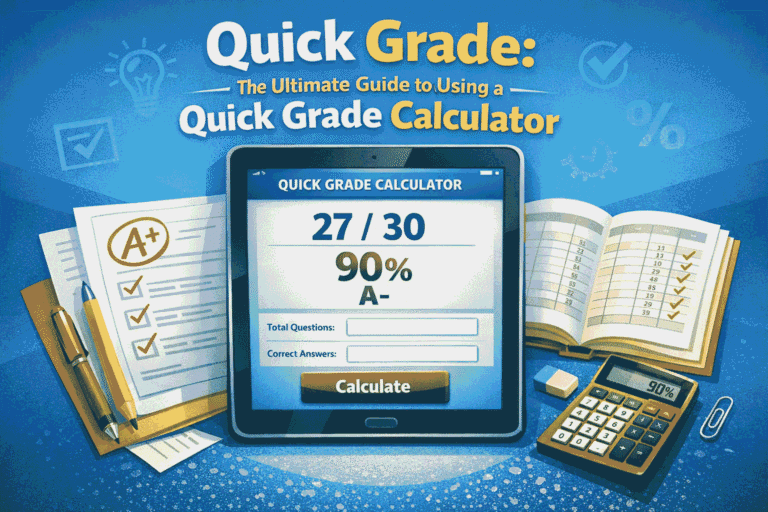
An EZ Grader, also known as an Easy Grader, is a simple yet powerful grading tool that helps teachers calculate student scores quickly and accurately. Instead of manually converting correct answers into percentages and letter grades, an EZ Grader automates the entire process in seconds. By entering the total number of questions and the number of incorrect answers, an Easy Grader instantly displays the final percentage, eliminating the need for time-consuming calculations.
How It Works
- Enter the total number of questions in the Easy Grader calculator in your test, quiz, or exam to begin.
- Then, input how many questions the student answered incorrectly — the score will be displayed automatically below. Click the reset button to grade the next test.
- You can also use the +1 button on the Easy Grader calculator to quickly track incorrect answers as you go, then reset when you're ready for the next test.
- For quick grading, use your keyboard: press “W” to mark a wrong answer and “R” to reset for the next test.
- Need a quick reference? Click the Quick Chart button for an easy overview.
Ez Grader - Our Resources
Why Use an EZ Grader (Easy Grader)?
Grading papers doesn’t have to be time-consuming or stressful. An EZ Grader, also known as an Easy Grader, is a simple yet powerful tool designed to help teachers calculate grades quickly and accurately. Whether you’re grading quizzes, tests, or assignments, using an EZGrader can save hours of manual work and eliminate calculation errors.
Key Advantages of Using an EZ Grader
Save Time on Grading
An EZ Grader instantly converts the number of correct answers into percentages and letter grades. Instead of manually calculating scores, teachers can grade entire stacks of papers in minutes using an Easy Grader.
Accurate and Error-Free Results
Manual grading often leads to small calculation mistakes. With an EZ Grader, every score is calculated automatically, ensuring 100% accuracy. This makes it a reliable Easy Grader solution for classrooms of all sizes.
Easy-to-Read Grading Charts
Most EZ Grader tools provide clear grading charts that show percentages and corresponding letter grades. This helps teachers quickly determine scores without needing complex formulas, making the Easy Grader ideal for everyday use.
Perfect for All Types of Assessments
From short quizzes to full-length exams, an EZ Grader works for any assessment format. Teachers can adjust the total number of questions and instantly get results, making it a flexible Easy Grader tool.
Accessible Anytime, Anywhere
Modern EZ Grader tools are available online, meaning you can grade papers from your laptop, tablet, or phone. An online Easy Grader ensures you’re never tied to a calculator or spreadsheet again.
Beginner-Friendly and Simple to Use
No training is required. An EZ Grader is designed with simplicity in mind—just enter the total number of questions and incorrect answers, and the Easy Grader does the rest.
Why Teachers Prefer EZ Grader Tools
Teachers across schools and institutions rely on EZ Grader tools because they combine speed, accuracy, and ease of use. An Easy Grader not only simplifies grading but also allows educators to focus more on teaching and less on calculations.
Start Using an EZ Grader Today
If you’re looking for a faster and more reliable way to grade, an EZ Grader is the perfect solution. Try an Easy Grader today and experience how simple grading can be.
Frequently Asked Questions
An EZ Grader, also called an Easy Grader, is a digital or printable grading tool that helps teachers quickly calculate student scores. Instead of manually computing percentages, an EZ Grader automatically converts correct answers into a final percentage, saving time and reducing errors.
An Easy Grader works by taking two inputs: the total number of questions and the number of incorrect answers. The EZ Grader then instantly calculates the percentage score and converts it into a percentage. This makes grading fast, accurate, and effortless.
Teachers use an EZ Grader because it significantly reduces grading time and eliminates manual calculation mistakes. An Easy Grader allows educators to grade assignments, quizzes, and exams in seconds, giving them more time to focus on teaching and student improvement.
Yes, a high-quality EZ Grader is extremely accurate. Since the Easy Grader uses fixed grading scales and automatic calculations, it removes human error from the grading process and ensures consistent results across all student assessments.
Absolutely. An EZ Grader is not limited to any specific subject. Teachers can use an Easy Grader for math, science, English, history, and any other subject that includes quizzes, tests, or assignments with right and wrong answers.
Yes, an online EZ Grader is often more convenient than a traditional paper grading chart. A digital Easy Grader can instantly calculate scores, work on mobile devices, and reduce the need to carry physical grading charts or calculators.
An EZ Grader can save teachers several hours per week, especially when grading large classes. Instead of manually calculating each score, an Easy Grader provides instant results, allowing teachers to grade entire sets of papers in minutes.
Yes, many EZ Grader tools support customizable grading scales. A flexible Easy Grader can adjust percentages, letter grades, and scoring rules depending on school or district requirements.
Yes, most modern EZ Grader tools are mobile-friendly. You can use an Easy Grader on smartphones, tablets, or laptops, making it easy to grade anywhere, anytime.
Many EZ Grader and Easy Grader tools available online are completely free. They provide essential grading functionality without requiring subscriptions, making them accessible for teachers, tutors, and students.
An EZ Grader is faster, more accurate, and far more efficient than manual grading. While manual grading requires calculations and checking each score individually, an Easy Grader instantly computes results and eliminates the risk of human error.
In modern education, an EZ Grader is important because it streamlines the grading process and helps teachers manage time effectively. An Easy Grader allows educators to focus more on instruction, feedback, and student engagement rather than repetitive calculations.
The Quick Chart shows a full grading table for your test. It displays the grade for every possible number of wrong answers. This is helpful if you want to quickly scan scores without typing.