
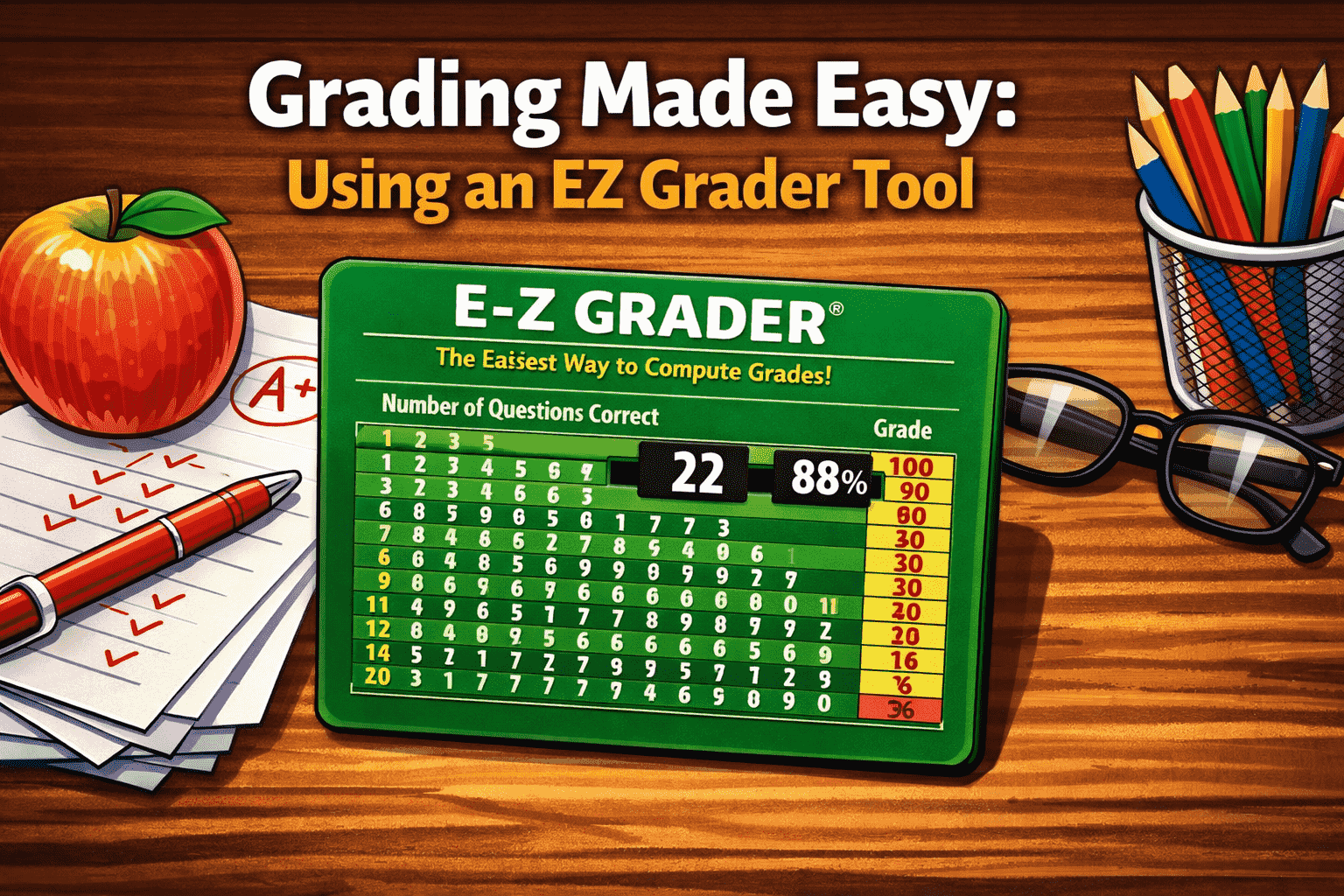
Introduction: Understanding the EZ Grader
In today’s fast-paced educational environment, teachers are constantly looking for tools that simplify their workflow without sacrificing accuracy. One such tool that has gained widespread popularity is the EZ Grader, also commonly referred to as an Easy Grader.
An EZ Grader is a simple yet powerful tool used by educators to quickly calculate grades for tests, quizzes, and assignments. Instead of manually computing percentages and letter grades, teachers can input the number of questions and incorrect answers, and the Easy Grader instantly provides the final score.
Whether you’re a new teacher, a seasoned educator, or even a homeschool parent, understanding how an EZ Grader works can save time, reduce errors, and streamline grading processes.
What is an EZ Grader?
An EZ Grader is a grading calculator designed to convert the number of correct or incorrect answers into a percentage score and, in many cases, a corresponding letter grade.
Traditionally, grading required teachers to manually divide the number of correct answers by the total number of questions and then convert that into a percentage. With an Easy Grader, this entire process is automated.
Key Features of an EZ Grader
An Easy Grader typically includes:
- Total number of questions input
- Automatic calculation of percentage scores
- Letter grade conversion (A, B, C, etc.)
- Grading chart display
- Adjustable grading scales
These features make the EZ Grader an essential classroom tool, especially when grading large batches of student work.
How Does an Easy Grader Work?
At its core, an Easy Grader uses a simple mathematical formula:
Score (%) = (Number of Correct Answers / Total Questions) × 100
However, what makes the EZ Grader valuable is that it eliminates the need to perform this calculation manually.
Example of EZ Grader in Action
Imagine a test with 50 questions:
- A student gets 45 correct answers
- The EZ Grader calculates:
(45 ÷ 50) × 100 = 90%
Instead of doing this calculation repeatedly for every student, the Easy Grader provides instant results.
Many EZ Grader tools also generate a full grading chart. For example:
- 50 questions = 100%
- 45 correct = 90%
- 40 correct = 80%
This allows teachers to quickly reference grades without recalculating.
Types of EZ Grader Tools
The term EZ Grader can refer to several different formats, depending on how it is used.
1. Online EZ Grader Tools
Online Easy Grader tools are the most popular today. These web-based calculators allow teachers to:
- Enter total questions
- Adjust grading scales
- Instantly view results
They are accessible from any device, making them ideal for modern classrooms.
2. Printable EZ Grader Charts
Before digital tools became widespread, teachers often used printed grading charts. These charts list:
- Number of questions
- Corresponding percentage scores
- Grade equivalents
Even today, printable Easy Grader charts remain useful in classrooms with limited internet access.
3. Mobile EZ Grader Apps
Many mobile apps now function as Easy Graders, allowing teachers to grade on the go. These apps often include additional features like:
- Grade tracking
- Student performance analytics
- Custom grading systems
Benefits of Using an EZ Grader
The popularity of the EZ Grader is not accidental. It offers several clear advantages that make grading more efficient and accurate.
Time-Saving Efficiency
One of the biggest benefits of an Easy Grader is the time it saves. Teachers often grade dozens or even hundreds of papers. Manually calculating each score can be time-consuming, but an EZ Grader reduces this to seconds.
Improved Accuracy
Manual calculations can lead to errors, especially when grading large volumes of work. An EZ Grader ensures consistency and eliminates human error.
Consistent Grading Standards
With an Easy Grader, every student is graded using the same formula and scale. This ensures fairness and consistency across all assessments.
Ease of Use
EZ Grader tools are designed to be simple and intuitive. Even teachers with minimal technical skills can use them effectively.
Why Teachers Prefer EZ Graders
Teachers prefer EZ Graders because they align perfectly with the demands of modern education. With increasing workloads and limited time, efficiency tools are essential.
Simplifying Large Class Sizes
In classrooms with many students, grading can quickly become overwhelming. An Easy Grader helps teachers manage large volumes of work without compromising accuracy.
Supporting Quick Feedback
Timely feedback is crucial for student learning. EZ Graders allow teachers to return graded work faster, helping students understand their performance and improve.
Reducing Mental Load
Grading can be mentally exhausting, especially when repeated calculations are involved. An EZ Grader removes this burden, allowing teachers to focus on teaching rather than arithmetic.
EZ Grader vs Manual Grading
To better understand the value of an EZ Grader, it helps to compare it with traditional grading methods.
Manual Grading
Manual grading involves:
- Counting correct answers
- Performing calculations
- Converting percentages to grades
This process is time-consuming and prone to mistakes.
EZ Grader Method
Using an Easy Grader:
- Input total questions
- Input incorrect answers (or correct answers)
- Instantly receive results
The difference in speed and accuracy is significant, making EZ Graders the preferred choice for most educators.
Common Features in Modern EZ Graders
Modern EZ Grader tools have evolved beyond simple calculators. Many now include advanced features that enhance usability.
Custom Grade Scales
Teachers can adjust grading scales based on their institution’s requirements.
Half-Point and Decimal Support
Some Easy Graders allow for more precise grading, including half-points or decimal scores.
Reverse Grading Options
Instead of entering correct answers, teachers can input the number of wrong answers and let the EZ Grader calculate the rest.
Visual Grade Charts
Many tools display grading tables that show all possible scores for a given number of questions.
How to Use an EZ Grader Effectively
Using an EZ Grader is straightforward, but a few best practices can help maximize its benefits.
Step 1: Enter Total Questions
Start by inputting the total number of questions on the test or quiz.
Step 2: Input Incorrect Answers
Enter the number of incorrect answers for each student.
Step 3: Review the Results
The Easy Grader will instantly display:
- Percentage score
- Letter grade (if applicable)
Step 4: Use the Grading Chart
Refer to the grading chart to quickly assess multiple students without repeated input.
Who Can Use an EZ Grader?
While EZ Graders are primarily designed for teachers, they are useful for a wide range of users.
Teachers
The primary users of Easy Graders, teachers benefit from faster grading and improved accuracy.
Homeschool Parents
Parents managing homeschooling can use EZ Graders to simplify assessment and track progress.
Students
Students can use an Easy Grader to estimate their scores and understand grading systems.
Tutors
Private tutors can use EZ Graders to quickly evaluate student performance during sessions.
Limitations of EZ Graders
While EZ Graders are highly useful, they are not without limitations.
Limited Context
An EZ Grader calculates scores but does not provide qualitative feedback on student performance.
Dependence on Input Accuracy
Incorrect input (e.g., wrong number of total questions) can lead to inaccurate results.
Not Suitable for All Assessments
EZ Graders work best for objective tests (multiple choice, true/false) but are less useful for subjective assessments like essays.
The Future of EZ Graders
As educational technology continues to evolve, EZ Graders are becoming more advanced. Future developments may include:
- Integration with learning management systems (LMS)
- AI-powered grading insights
- Automated feedback generation
- Performance analytics dashboards
These advancements will further enhance the role of the Easy Grader in modern education.
Conclusion: Why EZ Graders Matter
The EZ Grader has become an indispensable tool in education, offering a simple yet effective way to calculate grades quickly and accurately. By automating repetitive calculations, the Easy Grader allows teachers to focus more on instruction and less on administrative tasks.
From saving time to ensuring consistent grading, the benefits of using an EZ Grader are clear. Whether you’re grading a small quiz or managing a large classroom, this tool can significantly improve your workflow.
As education continues to embrace digital solutions, the EZ Grader will remain a key resource for teachers seeking efficiency, accuracy, and simplicity in grading.